Convert PDF to SVG
SVG provides an ideal multi-platform display solution for PDF Documents
Why Convert a PDF to SVG?
Make PDF documents viewable and discoverable on mobile, tablet and Desktop via the Internet.
Cross-platform
SVG display is known for cross-browser compatibility across all modern mobile, tablet, and desktop systems. They offer an excellent solution for scalable images and web graphics.
Zero footprint
All modern devices already include support for SVG. This eliminates the need for additional software or plugins, as the browser displays the format natively.
Tight Integration
SVG content can be integrated directly into Web applications with ease. They can be rendered natively by web browsers and eliminate the need for external PDF viewers.
SEO and Accessibility
SVG content can be indexed on Google and read by screen readers for improved accessibility and user experience. This improves scope for higher ranking on SERPs and helps users with disabilities.
Security
Documents never leave your servers and all access can be authenticated and tracked. This minimizes the risk of unauthorized access, keeping sensitive information safe on the user's servers.
Performance
Unlike PDF files, SVG documents load page-by-page on demand. A 100-page document delivers only the pages being viewed — typically cutting initial bandwidth by 90% or more compared to serving the raw PDF.
What PDF features does SVG support?
SVG can display converted PDF content which looks and feels like the original.
Scalable Vector Graphics
Vector elements in PDFs are preserved, allowing for zooming without pixelation. Unlike raster-based formats, SVG redrawing happens entirely inside the browser, reducing the need for additional processing.
SVG Text
PDF text content is converted into real SVG text and makes full use of SVG individual text kerning and spacing adjustments. This makes sure that readability of the text is maintained.
Images
Images are clipped, optimised, and converted into separate web images. User experience is maintained with converted high-resolution images while keeping the file size still manageable.
Fonts
Embedded fonts in PDF become optimized web fonts for online use. The restructured fonts are better suited for browsers as web fonts render without the need for external dependencies.
Full Color Support
All PDF colours are converted into sRGB, which is the standard for web content and digital display. Accurate conversion ensures consistency, preserving visual integrity and user experience.
Embedding
All content can be BASE64 embedded in a single file (as with PDF files) or kept as separate content. This allows for flexibility and a smoother content management experience.
How well does SVG conversion work?
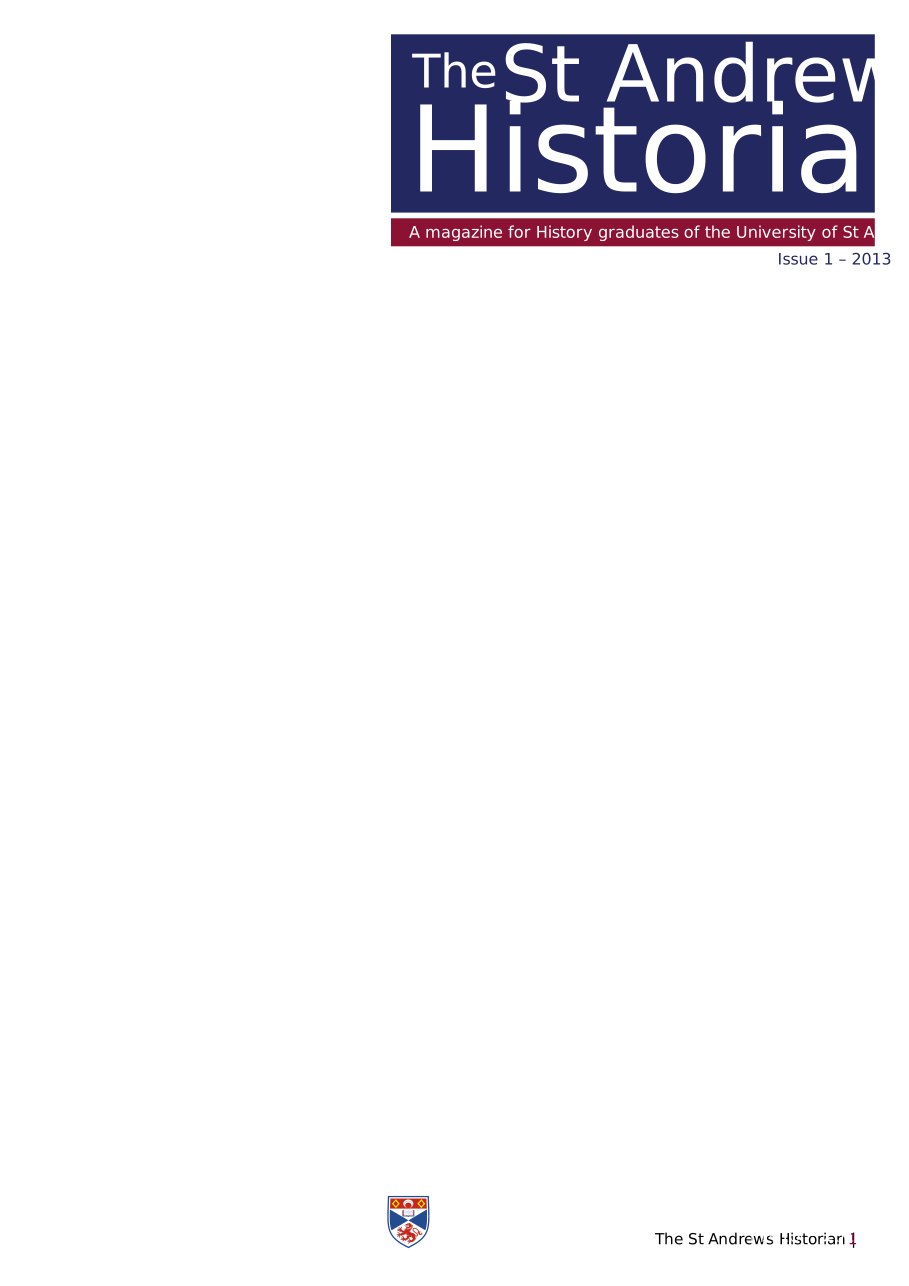
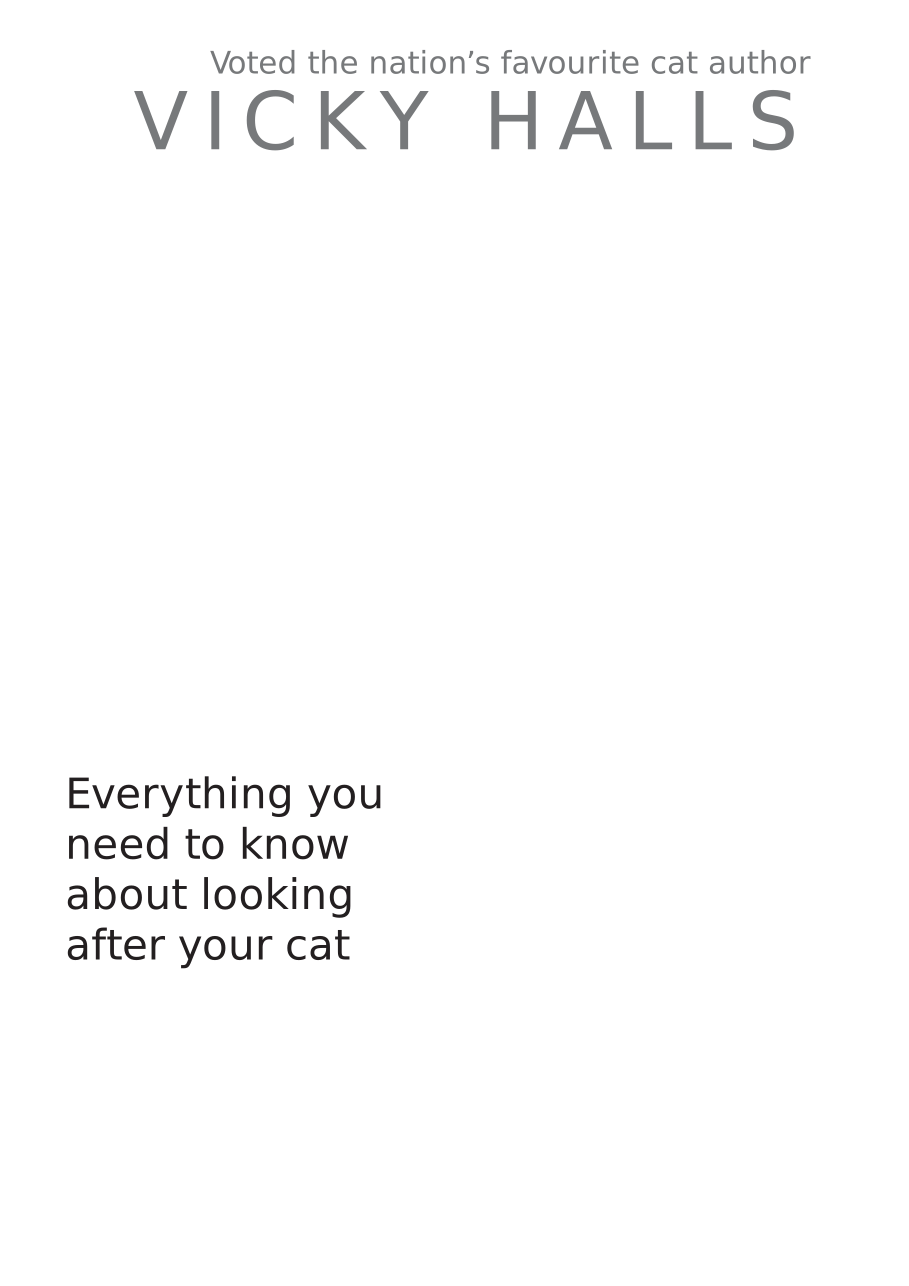
Click on the icons to see the PDF Document displayed as SVG inside the IDRViewer




Click on the icons to see page one of the PDF Document displayed as standalone SVG


PDF to SVG vs PDF to HTML
BuildVu supports both output formats. Use the table below to choose the right one for your use case.
| SVG output | HTML output | |
|---|---|---|
| Text rendering | <text> elements or vector shapes (<path>); supports kerning | <span> text in a selectable layer; no kerning |
| Visual fidelity | Highest — most precise text positioning | Very close, with minor positioning differences |
| Searchable / selectable text | Yes | Yes |
| Accessibility (screen readers) | Limited | Structured output with ARIA tags (tagged PDFs) |
| Weight and web-tool compatibility | Heavier; display-focused | Lighter; integrates well with HTML tooling |
| Best for | High-fidelity display (e.g. technical drawings, floor plans) | Web portals, accessibility, search, integration |
Interactive annotations (links, rich media, markup) display via the IDRViewer for both outputs. Form fields render as static content — for fillable web forms in the browser, see FormVu.